
A hotel or villa project may use 20 decorative lighting designs across dozens of rooms, but the purchasing problem becomes much larger once different sizes, cable lengths, finishes, electrical versions and quantities are added. If those details are spread across renderings, WhatsApp messages, PDFs and supplier quotations, one fixture code can easily be quoted with the wrong size or delivered to the wrong area.
A lighting BOQ gives the project team one controlled list that connects design intent, the lighting fixture schedule, quantity and purchasing status. It should let a manufacturer answer five practical questions: What is the fixture? Where is it used? How many are required? Which configuration applies? What happens next?
What Is a Lighting BOQ?
BOQ means Bill of Quantities. In decorative lighting procurement, it is a project-level list of fixtures, locations, quantities, key specifications and current status. It can begin as a design BOQ with references and estimated quantities, then develop into a procurement BOQ with supplier models, quotation status, sample decisions and commercial information.
There is no single mandatory format for every project. A small restaurant may need a compact lighting fixture list. A hotel with repeated room types may need a room schedule, a summarized BOQ and a separate installation schedule. The structure should match the complexity of the project while keeping each procurement item traceable.
Lighting BOQ vs Lighting Specification Sheet
| Document | Main question | Typical focus |
|---|---|---|
| Lighting BOQ | What fixtures and how many does the whole project need? | Fixture code, area, quantity, project status and supplier mapping |
| Specification sheet | What exactly is this individual fixture? | Detailed dimensions, materials, finish, electrical configuration, construction and approved references |
A BOQ may show the main diameter, finish and electrical version because they affect purchasing. It should not repeat every technical detail from a drawing or specification sheet. Use a custom lighting specification sheet to control the detailed requirements for one fixture, and use the BOQ to connect that fixture to the rest of the project.
Lighting BOQ vs Room Schedule
A room schedule starts with the space. For example, Guest Room Type A may contain two bedside pendants and one table lamp. A BOQ normally starts with the procurement item: PL-01 may total 120 pieces and be used in both Room Type A and Room Type B.
The two documents can be linked without becoming identical. On a large hotel project, the BOQ may summarize repeated room types while a separate installation schedule maps fixtures to Room 101, Room 102 and every exact location. On a smaller villa, one BOQ may carry both the area and the quantity. Neither method is universally correct; the test is whether the quantity can be traced back to the design information.
A BOQ Is Not the Same as an RFQ
An RFQ is the package sent to suppliers to request pricing. A BOQ is the purchasing structure of the project itself. The same BOQ can support an RFQ, quotation comparison, sample tracking, order confirmation, production planning and site distribution. Commercial fields such as unit price, MOQ, packaging scope and trade terms may be added later or kept in a linked quotation sheet.
Before comparing suppliers, freeze one BOQ revision and send the same version to each bidder. Then use the guidance on how to compare decorative lighting quotations without turning the BOQ into a second quotation article.
Lighting BOQ Template
The following row is illustrative only. Replace it with project evidence from drawings, schedules and approved references.
| Item | Fixture Code | Area / Room Type | Supplier Model | Description | Dimensions | Material | Finish | Electrical | Cable / Drop | Canopy | Qty | Sample Status | Quotation Status | Notes |
|---|---|---|---|---|---|---|---|---|---|---|---|---|---|---|
| Example only | PL-04 | Guest Room Type A | OBS062 | Bedside pendant | Ø250 mm | Ceramic | Approved glaze reference | Project market / TBC | 1800 mm | Round, matching finish | 40 | To Sample | Not Quoted | Quantity to be checked against final room count |
Minimum Lighting BOQ Fields
Do not wait for every decision before starting the lighting quantity list. During early design, use at least:
- Fixture Code
- Area
- Reference
- Quantity
- Target Size
- Status
Unknown information can be marked TBC (To Be Confirmed). That is safer than allowing a supplier to guess, but the TBC items must be cleared as the project moves toward quotation, sample approval and production.
Step 1: Give Every Fixture a Unique Code
Codes such as PL-01, WL-01 and TL-01 can represent pendant, wall and table lights, but a project may use any consistent coding system. The rule is simple: one code should represent one clearly controlled fixture requirement. A description such as “large beige pendant” is not reliable when several similar fixtures appear in the same project.
The fixture code should match the drawing, rendering, specification, quotation and sample record. If one visual design has different sizes, finishes, cable lengths or electrical versions, consider separate configurations such as PL-01A and PL-01B instead of adding unlike products into one quantity.
Keep the Designer Code and Supplier Model Separate
A designer may control the project as PL-04 while the factory controls the product as OBS062. Keep both columns. If the supplier changes the model during development, the project code can remain stable while the mapping is updated.
PL-04→Supplier Model
OBS062→Sample
PL-04 Approved→Bulk Order
PL-04 × Qty→Carton Label
PL-04
Step 2: Record Where the Fixture Is Used
“Hotel” or “Villa” is too broad. Use locations such as Lobby, Guest Room Type A, Guest Room Type B, Restaurant, Corridor, Villa Living Room, Staircase or Reception. Large projects may also need floor and zone fields.
A main BOQ does not always need a separate line for every room number. Repeated rooms can be summarized by room type, while an installation schedule maps Room 101–120. Use exact rooms in the main list when that level of detail genuinely helps the project team.
Step 3: Calculate Quantity From the Project
Quantity should come from the drawing, room count, fixture-per-room requirement, public-area design and approved schedule—not guesswork. As an illustrative example, 20 guest rooms with two bedside pendants per room create a BOQ requirement of 40 pieces. The final number still has to be checked against the real room schedule.
Do not quietly include spares in the main quantity. If replacements are agreed, show Order Qty, Spare Qty and Total Qty separately. The appropriate spare quantity depends on the project and should not be based on an assumed universal percentage.
Step 4: Record the Size That Matters for Procurement
Show the diameter, width, height, overall size or required drop needed to select and price the item. Detailed construction dimensions can remain in the specification sheet or drawing. If the same model appears in two sizes, it will usually need separate BOQ configurations so that quantities cannot be combined accidentally.
Step 5: Use Clear Material and Finish Descriptions
Write the actual material: travertine, ceramic, fabric, silk, leather, metal or sintered stone. Do not write “marble” for a marble-effect product, or “stone” when the approved requirement is travertine. Material accuracy affects appearance, weight, cost, production and packaging.
Finish fields may use descriptions such as matte black, brushed brass, beige, approved glaze reference or approved fabric reference. For a complex color or handmade surface, link the BOQ to a finish sample, material swatch or specification. “Warm beige” alone is not an approval standard. When size, finish, cable and canopy still need definition, review the available custom pendant light options.
Step 6: Keep Electrical Requirements Visible
Record the destination market or voltage, lamp holder, LED driver where applicable and dimming requirement where applicable. The BOQ is not an electrical engineering schedule, but a supplier should not have to assume a different configuration for each line. If one project includes multiple country versions, state the market configuration rather than writing only “standard.”
Step 7: Record Cable, Drop and Canopy Requirements
Restaurant rows, staircases, double-height lobbies, bedside pendants and high-ceiling villas often need non-standard suspension lengths. The same fixture used in two zones may require different cable lengths. Without a visible field, every unit may be supplied with the factory’s standard cable.
A BOQ can state round, linear, single or multi-light canopy and its finish. Complex mounting plates or cluster layouts belong in a linked drawing, not in an overloaded spreadsheet cell.
Step 8: Add Sample and Quotation Status
A simple sample status column can show Not Required, To Sample, Sample Ordered, Received, Revision Required or Approved. This helps the team see which fixtures can move toward bulk ordering.
Quotation status can use Not Quoted, Quoted, Revision Required, Commercially Reviewed and Order Confirmed. Avoid turning the BOQ into a full ERP system. If project timing is the concern, the custom lighting lead time guide explains how quotation, samples, production, inspection and shipping connect.
Send the fixture list, room schedule, drawings and reference images so missing model, size, quantity or specification details can be identified before sampling.
Step 9: Add a Revision Number or Date
One of the most dangerous BOQ problems is not missing data but uncontrolled versions named “BOQ Final,” “BOQ Final 2” and “Latest Final.” Use a deliberate system such as Revision A, B and C or Rev 01, 02 and 03. Before quotation, identify one frozen version—for example, RFQ BOQ Rev 03—and send it to every supplier.
For complex projects, keep a small change log with Date, Fixture Code, Changed Item, Old, New and Approved By. This is a communication record, not a legal audit. If a fixture is cancelled, removed or on hold, retaining the line with a visible status can be safer than deleting the history.
Add Supplier Response Columns Instead of Rebuilding the BOQ
A supplier can return the same fixture codes with Supplier Model, Unit Price, MOQ, Sample, Lead Time and Notes. Formal procurement software may manage these in another table, but the mapping must remain clear. Price is not required in an early design BOQ; it becomes relevant as the document moves into procurement.
Lighting BOQ for Hotel Projects
Hotels combine repeated guest rooms with unique lobbies, restaurants, corridors, suites and public areas. Build quantities from Room Type × Fixture Quantity, then add the non-repeated areas. For example, Guest Room A may use PL-01 × 2, but the total BOQ quantity must reflect the approved count of that room type. Keep mock-up room or sample quantities distinct from the bulk requirement.
Lighting BOQ for Villa Projects
Villa quantities may be smaller, yet custom variation can be greater. A living room, dining area, staircase, bedroom, spa and corridor may use fixtures from one family with different size, finish and drop. A BOQ prevents those variations from collapsing into one ambiguous model.
Lighting BOQ for Restaurant Projects
Restaurant lighting quantities often connect closely to the table layout. Separate bar pendants, dining-table pendants, wall lights, entrance statement fixtures and private-room lights. Use the project layout for quantities, then refer to the restaurant pendant lighting guide for size, height and spacing decisions.
Mixed Decorative Lighting Orders Need a Clean BOQ
A multi-model order may combine pendant lights, wall lights and several materials. If the quotation, PI and packing list use different names or sequences, purchasing review becomes slow and error-prone. One fixture-code structure helps each document refer to the same items.
Real Example: Organizing a Mixed Decorative Lighting Sample Order
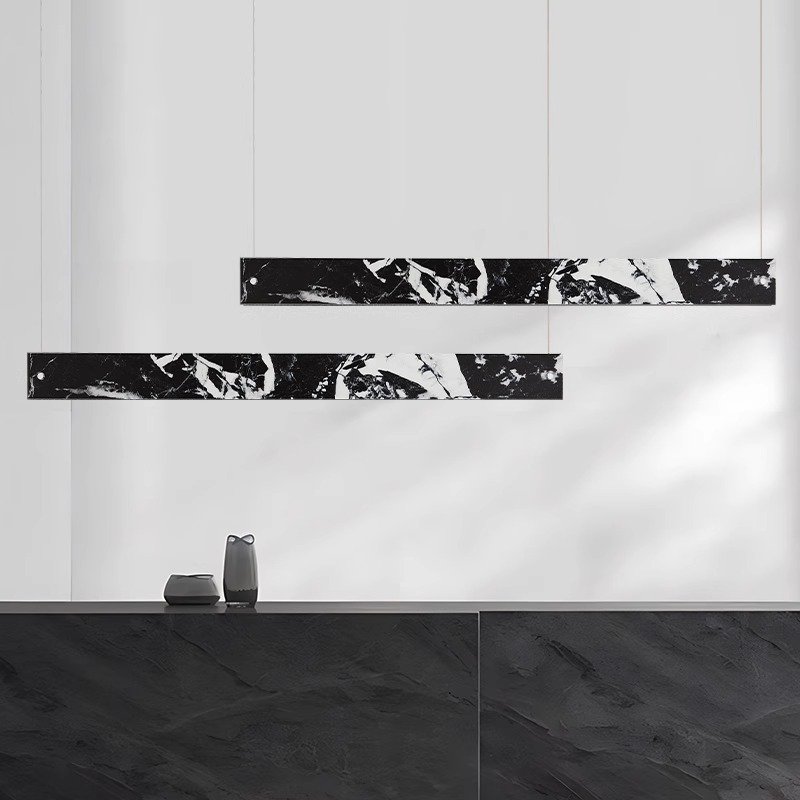
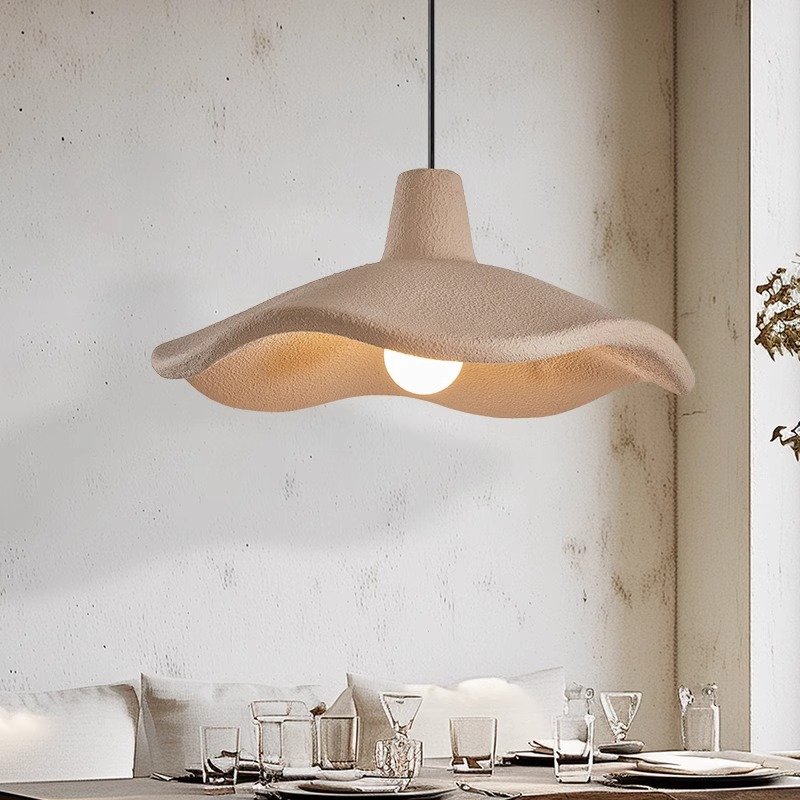
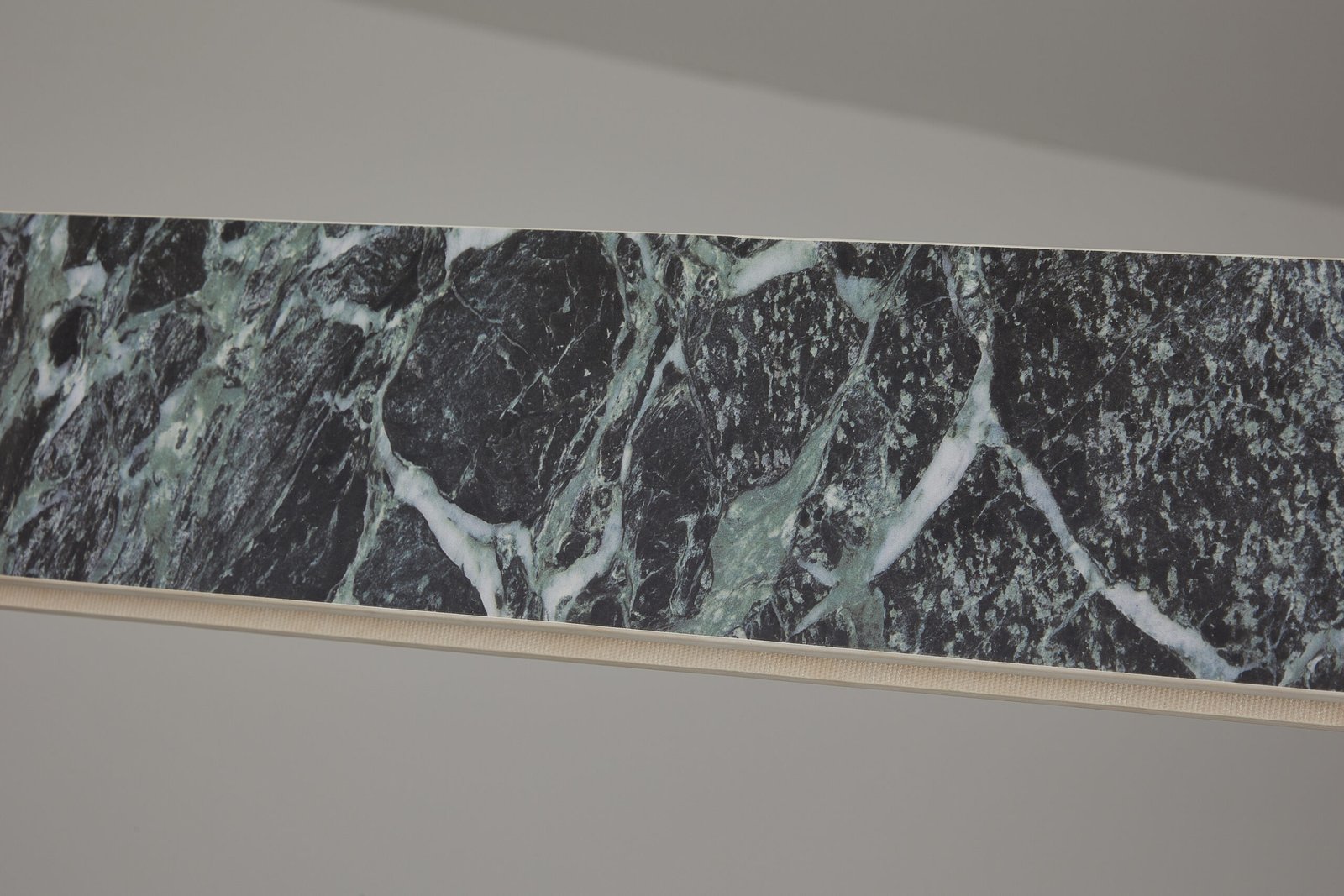
In OBBAO’s mixed decorative lighting sample order for a European buyer, the buyer needed clearer model consolidation, item quantity, packing size and freight preparation. The order included pendant lights, wall lights and material-led decorative products.
The available evidence includes real product photos, quotation workbook records, a final sample list and PI/packing-list documentation. OBBAO organized model, size, material, quantity, packing size and volume in the quotation and PI records. Customer identity and confidential prices were withheld. The useful lesson is not a claimed universal template: it is that the model reference and quantity must remain consistent when information moves from a sample list into quotation, PI and packing documents.
| Project stage | What must stay connected |
|---|---|
| Design list | Project fixture code, area and reference |
| Supplier mapping | Project code and supplier model |
| Quotation | Same code, configuration, quantity and revision |
| Sample | Same code plus sample status and approved changes |
| PI / order | Approved model, quantity and commercial scope |
| Packing list | Model, carton data and site label reference |
How the BOQ Becomes a Supplier Quotation
The working sequence is: Designer BOQ → Supplier Model Mapping → Specification Questions → Quotation → Sample Decision → Updated BOQ. Every quoted line should return to the designer’s fixture code. If a PL-04 sample is approved, the approval record should not suddenly use only the supplier number and lose the project reference.
Use the Approved BOQ as One Part of Production Handover
A BOQ alone is not a complete technical production file. Production handover should combine the approved BOQ with the purchase order, approved sample, specification, drawings and artwork where relevant. The current revision should also follow the order into inspection.
During QC, the same fixture code and quantity reference help inspectors compare the goods with the approved requirements. The decorative lighting quality control checklist covers the inspection stage in detail. For packing and site distribution, the fixture code, area and room type can continue onto carton labels and the packing list; see the guide to packaging fragile decorative lighting.
BOQ Fields That Should Not Stay TBC Before Production
Projects vary, but final quantity, size, material, finish, electrical configuration, cable or drop, canopy where relevant, supplier model and approved revision normally need resolution before bulk production. A visible TBC is useful during design; an unresolved TBC at production handover creates avoidable interpretation risk.
Before Sending the BOQ to a Lighting Manufacturer
- Every fixture has a unique code.
- Area or room type is clear.
- Quantity is traceable to a drawing or room schedule.
- Size is shown or linked.
- Material is identified accurately.
- Finish status and approved references are clear.
- Electrical market is stated.
- Cable or drop is shown where relevant.
- Supplier model mapping is ready or intentionally blank.
- Revision number or date is visible.
- TBC items are easy to find.
- Drawings and specification sheets are linked where needed.
Copyable Decorative Lighting BOQ Template
This basic layout keeps the most useful fields visible on smaller screens. Copy the headings into your project document and add only the columns the team will maintain.
| Fixture Code | Area | Reference / Supplier Model | Size | Material / Finish | Electrical | Cable / Drop | Qty | Sample Status | Notes |
|---|---|---|---|---|---|---|---|---|---|
| TBC | TBC | TBC | TBC | TBC | TBC | TBC | TBC | Not Required / To Sample / Approved | Revision questions or linked document |
Procurement extension: add Quotation Status, Supplier, Unit Price, MOQ, Packaging and Revision only when those fields support the project workflow.
Turn Your Lighting Schedule Into a Clear Procurement List
For a hotel, villa, restaurant or commercial lighting project, send OBBAO your lighting BOQ, room schedule, fixture codes, reference images, dimensions, quantities, electrical market and target schedule. The team can review which items are ready for quotation and which still need specification or sample confirmation.
Frequently Asked Questions
What is a lighting BOQ?
A lighting BOQ is a structured project list that records fixture codes, locations, quantities and key procurement information so design, quotation and purchasing teams can work from the same reference.
What is the difference between a lighting BOQ and a specification sheet?
The BOQ manages the project-level list and quantities. A specification sheet describes the technical and visual requirements of an individual fixture.
What information should a lighting BOQ include?
At minimum, include fixture code, location, reference, quantity, target size and status. More developed BOQs may also include material, finish, electrical, cable, supplier model and sample status.
Should every room be listed separately in a hotel lighting BOQ?
Not always. Repeated rooms may be managed by room type, while a separate room or installation schedule maps each fixture to exact rooms.
Can a manufacturer quote directly from a BOQ?
Sometimes, if the BOQ contains enough information. Custom fixtures may still require drawings, specification sheets, material references or clarification before an accurate quotation is possible.
Should the BOQ be updated after sample approval?
Yes. The working procurement version should reflect approved models, sizes, finishes and relevant revisions so later quotation, production and inspection use the same reference.