
A pendant light approved for one flagship store does not automatically become a repeatable standard for every future location. The next store may have a lower ceiling, another may need a different cable length, and a store in another market may require a different electrical configuration. Quantities, opening dates and packing destinations can also change while the visual identity is expected to remain recognizable.
That is why a retail lighting rollout needs more than an approved product photo. A multi-store retail lighting program needs a controlled fixture standard that separates what must stay consistent from what may change by location.
If the concept for one location is still being developed, begin with the retail store lighting design guide. This article starts after the decorative lighting concept has been approved and asks a different question: how can the brand repeat it without redesigning every order from zero?
One Store Is a Project; Multiple Stores Become a Repeatable Program
The first store can be discussed fixture by fixture. Once more locations enter the schedule, the management questions become more important: Which version is approved? Which store needs which configuration? What can change? What must stay fixed? Which production batch and cartons belong to each location?
Brand consistency does not mean every store must be physically identical. Floor area, ceiling height, furniture layout, quantity, electrical market and installation date may differ. The practical model is a controlled standard plus approved store variables.
From One Store to a Multi-Store Lighting Standard
What Should Stay Standard and What Can Vary by Store?
| Item | Standard Across Stores | May Vary by Location |
|---|---|---|
| Fixture Family | Usually yes | Selected models may differ |
| Material | Approved direction | Only if intentionally approved |
| Finish | Approved reference | Controlled local version if required |
| Canopy Style | Usually standardized | Size or configuration where the ceiling condition requires |
| Cable Type | Standard family | Length may vary |
| Electrical Configuration | Approved by market | May vary by destination |
| Fixture Quantity | No | Depends on store layout |
| Drop Height | No | Depends on ceiling and design |
| Packaging | Core protection standard | Store labeling and carton grouping may vary |
| Branding / Label | Brand standard | Language or market data may vary where required |
| Store Allocation | No | Location specific |
Illustrative procurement framework—not a universal rollout standard.
Step 1: Start With an Approved Pilot or Reference Store
The reference may be a flagship, first completed concept, mock-up, prototype location or approved design package. Its purpose is to establish what the decorative lighting is supposed to look like: design language, material direction, visible finish and fixture relationships.
It is not a command to copy every site condition. A drop approved under a 4.5-metre ceiling should not automatically be repeated under a 3-metre ceiling. The reference store defines the visual intent; the store matrix records the local configuration.
Step 2: Freeze the Core Fixture Standard
For each rollout fixture, record the product model, material, finish, overall size, frame, cable type, canopy family, electrical concept, packaging concept and approved sample. Together these form the core fixture standard.
Retail Fixture Standard Record
Brand Fixture Code:
Supplier Model:
Fixture Type:
Material:
Finish:
Approved Size:
Cable Type:
Canopy:
Electrical Version:
Approved Sample:
Packaging Reference:
Revision:
Notes:
Use a brand fixture code, such as illustrative code RL-P01, as well as the supplier model. If the supplier model changes during development, the brand code can remain stable while the mapping is updated. Keep that same code in the store matrix, purchase order, packing list, carton label and replacement record. The lighting BOQ explains project-level fixture and quantity fields; the rollout record connects several store BOQs to one approved standard.
Step 3: Define Allowed Store-Specific Variables
For RL-P01, one store might require a longer cable and another a shorter drop while the shade material and visible finish remain locked. Typical controlled variables can include quantity, cable or drop, selected size variant, canopy configuration, electrical version, store label and packing allocation. They are options to define—not a list that every project must make variable.
- Fixture family
- Material direction
- Approved finish
- Visible hardware
- Brand-defining proportions
- Approved reference
- Quantity
- Cable or drop
- Selected approved size
- Electrical version
- Canopy configuration
- Destination and store code
Illustrative only; actual controlled items depend on the program.
Avoid Version Explosion
RL-P01, RL-P01A, RL-P01B and several almost identical versions quickly become difficult to quote, pack and replace. Ask whether a difference really needs a new SKU or whether it is one fixture with a controlled configuration.
A cable-length change may remain a configuration under the main code. A different diameter, material or electrical configuration may need a separate version when clear tracking requires it. There is no universal rule; the goal is unambiguous procurement.
Step 4: Build a Store Matrix
| Store Code | City / Market | Fixture Code | Version | Qty | Cable / Drop | Electrical | Sample Status | Production Status | Shipment Phase |
|---|---|---|---|---|---|---|---|---|---|
| STORE-01 | TBC | RL-P01 | V1 | TBC | TBC | Market requirement / TBC | To Sample | Not Started | Phase TBC |
STORE-01 is an illustrative code. Larger programs should use the brand’s existing store number or project code. The matrix should identify which store receives which approved configuration without exposing private addresses or customer information.
Step 5: Keep Finish References Stable
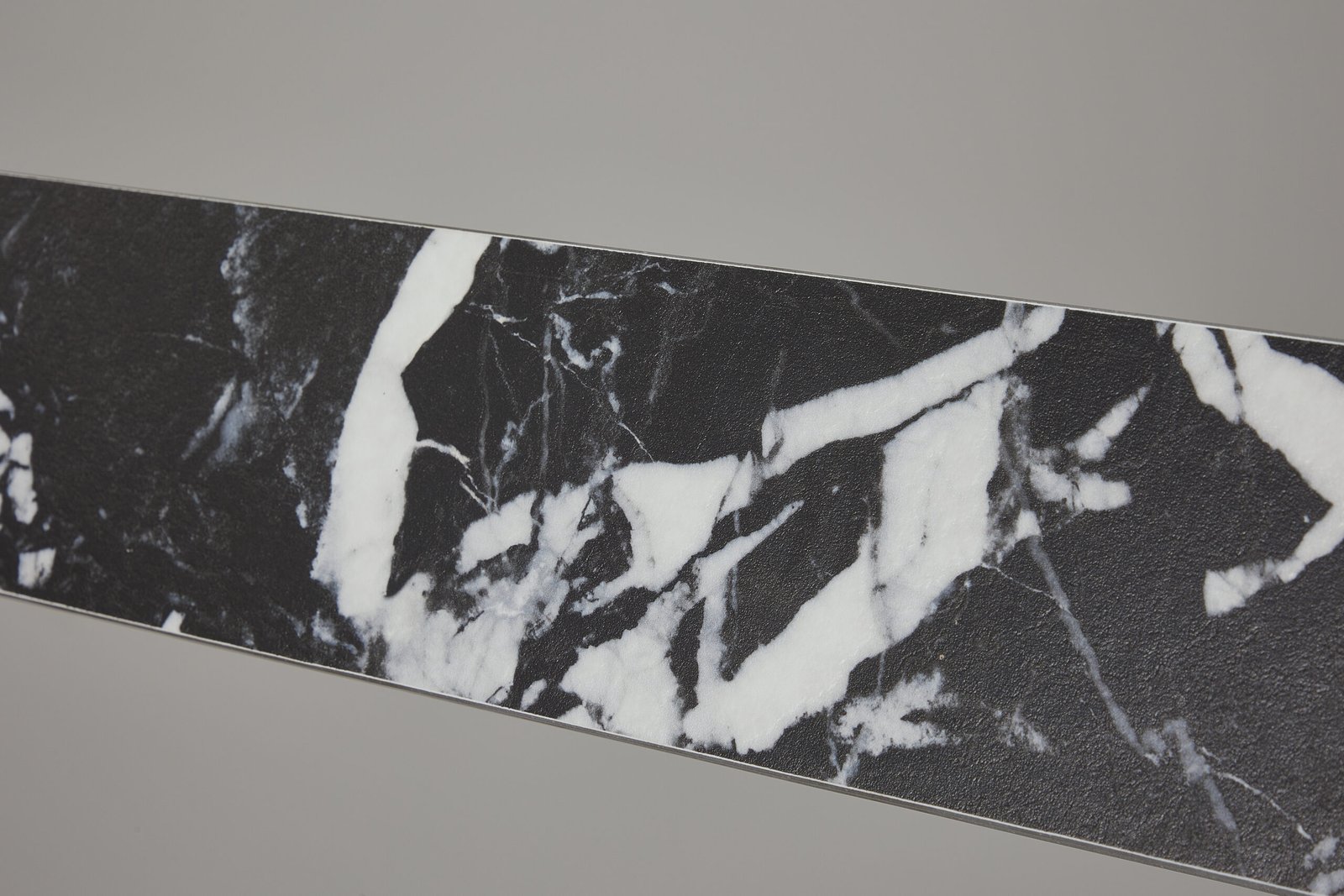
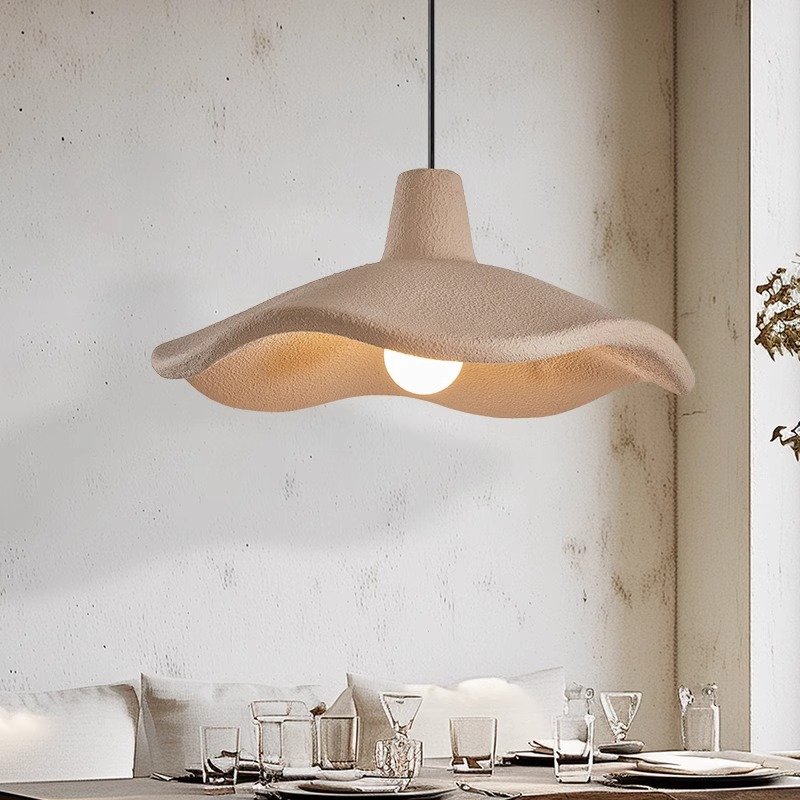
Store 1 should not receive a warm beige while a later phase quietly shifts toward yellow. Retain the material, finish code, physical reference, approved photos and revision, then compare later production with the same standard. The separate finish consistency guide covers finish control in more detail.
Ceramic, stone and handmade surfaces can retain brand consistency while showing an approved natural range. Do not promise pixel-identical results or unlimited future material availability.
Step 6: Standardize All Visible Components
A matching shade with different canopies, cords, lamp holders or visible screws can still look inconsistent. Review the shade, frame, cable, canopy, lamp holder and visible hardware as one fixture standard.
One visual fixture may require different electrical versions for different destinations. Voltage, lamp holder or source, driver and required documentation must be confirmed for each market and project before production. Illustrative codes such as RL-P01-EU and RL-P01-US can support tracking, but a code alone does not establish compliance.
Step 7: Decide Whether Stores Need the Same Size
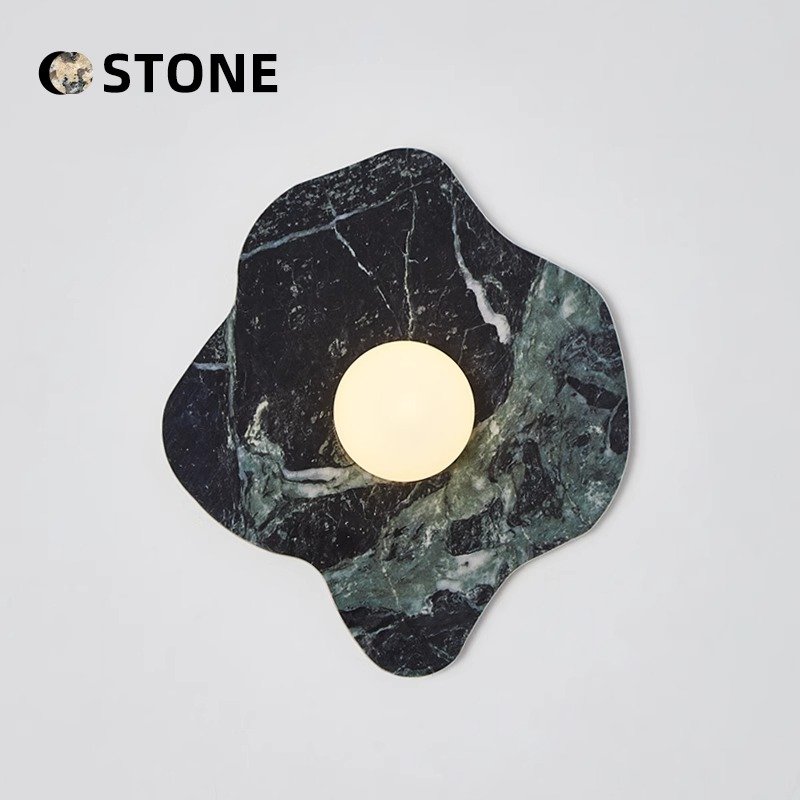
A flagship may use a larger model while a smaller boutique uses an approved smaller member of the same design family. Codes such as RL-P01-L and RL-P01-S can preserve the relationship, but each size needs review and approval. Changing dimensions can affect proportion, frame, light effect, weight, packing and installation; see the available custom pendant light options.
Step 8: Sample the Standard Before Scaling Quantity
For a new fixture, consider a reference sample or pilot batch before ordering for every location. Use it to review appearance, finish, electrical configuration, installation logic, packing and labeling. Not every rollout requires the same sampling route; the decision depends on novelty, customization and risk.
Useful status labels include TBC, To Sample, Approved and Revision Required. Record the status in the store matrix rather than leaving approval in an isolated message.
Step 9: Control Revisions Across Every Store
If V1 later receives a V2 canopy, identify which stores are not yet produced, already produced or shipped. A silent revision creates inconsistent locations without giving the brand team a reliable record.
Retail Lighting Revision Log
| Revision | Change | Approved Date | Applies From Store / Phase | Old Version Status |
|---|---|---|---|---|
Define When a New Revision Starts
Illustrative change-control concept—not a customer project or mandatory phase structure.
Step 10: Plan Rollout in Phases
Openings may be grouped as pilot, early phase, later phase and future stores, but the number and size of phases should match the real program. Phased production can align with openings and expose repeatability issues earlier, yet separate batches also increase finish-consistency risk. Retain the approved reference and revision across every phase.
This is a planning framework, not a promise that OBBAO provides long-term warehousing, global last-mile delivery or worldwide installation.
Step 11: Pack by Store When the Shipping Plan Requires It
If several locations each need pendants and wall lights, cartons packed only by product model may require re-sorting at the destination warehouse. Where the order and freight arrangement allow, store-specific carton allocation can identify the brand project code, store code, fixture code, quantity, carton number and destination reference.
Example only: STORE-014, Carton 1/4, RL-P01 × 2, RL-W01 × 4. This is logistics identification, not a legal label format. Core protection belongs in the decorative lighting packaging guide, while final SKU, quantity, finish, accessory and carton checks belong in decorative lighting quality control.
Step 12: Separate Store Allocation From Freight Destination
All cartons may travel first to one warehouse even though their final allocations are different stores. Record both the shipping destination and final store allocation. A packing list can include store allocation where agreed, but this should not be interpreted as OBBAO providing local distribution to every location.
Step 13: Keep Installation Information Consistent
Repeated fixtures benefit from stable mounting sequence, assembly logic, part identification and cable-adjustment information. Complex custom fixtures may use a diagram, installation photographs, a short video or part labels where available.
Site conditions remain location specific. “Same store concept” does not prove that the ceiling support is identical. The responsible installer, engineer or project professional must confirm mounting support, structural conditions and compliance; this guide does not provide load calculations or anchor recommendations.
Step 14: Plan Replacement Before It Is Needed
Keep the fixture code, supplier model, revision, finish, electrical version and store allocation. A replacement request that says only “same as the last store” is ambiguous; use the code plus revision and configuration. The replacement-parts planning guide covers the after-installation stage.
Do not assume a fixed spare percentage. Quantity, fragility, store criticality, replacement lead time and material variation should inform the decision.
Step 15: Plan for Future Stores and Material Changes
Preserved records allow a future location to begin from an approved standard rather than a Pinterest reference. Ask about material status and the approval route for alternatives, but do not assume that a fabric, stone or finish will remain available forever.
If a material is discontinued, use a controlled sequence: Alternative → Sample → Review → New Revision → Apply from a defined rollout phase.
Rollout Control Matrix
| Control Area | Standard Reference | Store Variable | Who Confirms | Final Record |
|---|---|---|---|---|
| Design | Approved fixture / sample | Selected family member | Brand design team | Fixture standard |
| Finish | Physical / photo reference | Approved local version only | Brand + supplier | Finish record |
| Electrical | Base visual concept | Destination configuration | Project team | Version field |
| Quantity | Fixture code | Store layout quantity | Store development / procurement | Store matrix / BOQ |
| Installation | Assembly logic | Site ceiling condition | Installer / project professional | Site record |
| Packaging | Protection method | Store grouping / labels | Buyer + supplier | Packing list |
| Store Allocation | Project coding rule | Final store | Procurement / logistics | Allocation record |
| Replacement | Model + revision | Store and part | Brand after-sales team | Replacement record |
Common Multi-Store Lighting Risks
| Risk | Example | Control |
|---|---|---|
| Version Confusion | Store receives an old canopy version | Revision control |
| Finish Drift | Later batch appears warmer | Retained finish reference |
| Wrong Drop | Cable from another store package | Store matrix + labeling |
| Wrong Electrical | Incorrect destination version | Market configuration tracking |
| Missing Parts | Installation stops | Parts QC + kit check |
| Mixed Cartons | Wrong store receives fixture | Store / carton code |
| Replacement Confusion | Original model cannot be identified | Fixture record |
Send the approved fixture reference, store list, quantities and location-specific variations so each store can be mapped to the correct model, finish, cable, canopy and electrical configuration before production.
Illustrative Examples
Not an OBBAO customer project. A flagship uses a higher drop and larger quantity; a smaller boutique uses the same pendant family with a shorter drop; another market uses the same visual fixture with an approved electrical version.
Store 1 used V1. A later canopy became V2. “Same as last time” does not identify whether Store 5 should copy Store 1 or Store 4; the fixture code plus revision does.
Three locations each need two pendants and four wall lights. Without store allocation, a destination warehouse may need to re-sort SKU cartons; store and carton codes reduce ambiguity without promising a fixed cost saving.
Real Documentation Evidence—Not a Multi-Store Case Claim
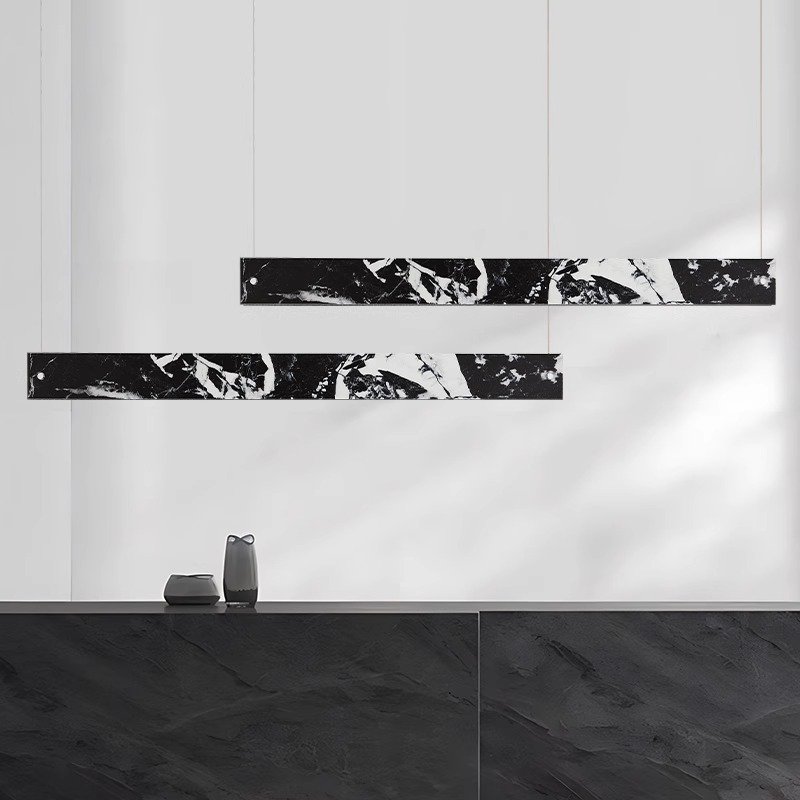
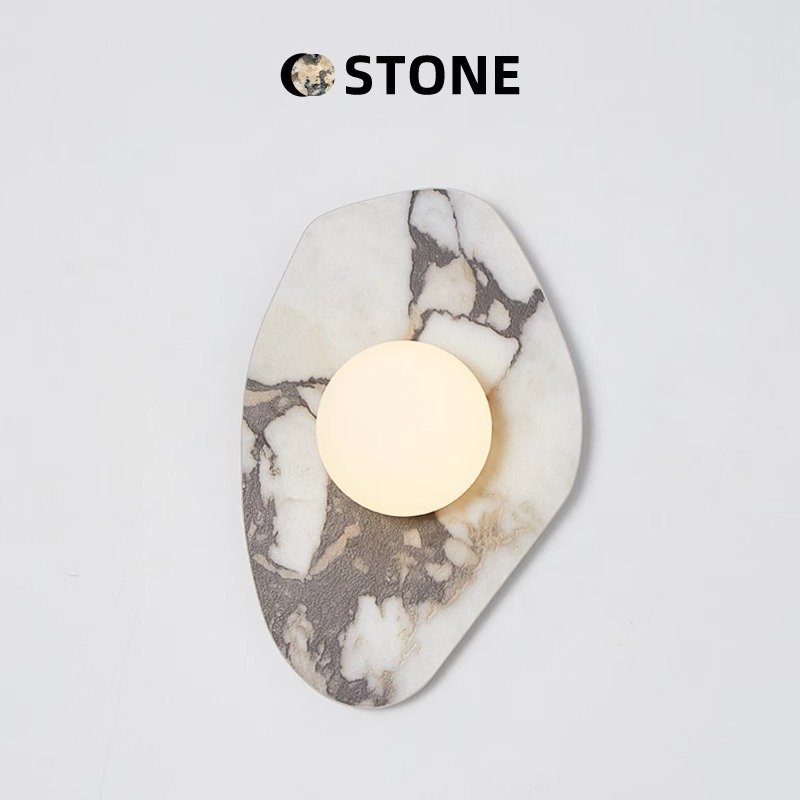
OBBAO’s Marble Effect Decorative Lighting Collection Development case documents model-family review, material direction, finish matching, SKU-level photographs, quotation structure and sample records. It shows why product references should be organized before several models are standardized. This is collection-development evidence and is not presented as a completed multi-store rollout.
The Mixed Decorative Lighting Sample Order for a European Buyer documents multiple fixture types, model consolidation, quantities, packing information and sample-order records. It supports the documentation lesson only. It is not described as a retail lighting rollout case.
Common Multi-Store Lighting Rollout Mistakes
- Treating every location as a new project. This recreates decisions and increases uncontrolled variation. Start from the approved standard.
- Using product names without fixture codes. Similar names are difficult to trace. Keep the brand code and supplier model together.
- Allowing finishes to drift by store. A verbal color description is not a stable reference. Retain the approved finish.
- Mixing locked and variable fields. Teams need to know what they may change. Mark both categories explicitly.
- Creating too many near-identical SKUs. Every suffix adds procurement and replacement work. Use a configuration when it is genuinely the same fixture.
- Changing a fixture without a revision. Silent changes break phase control. Record the cutover.
- Writing only “same as last order.” The phrase does not identify version or market. State code, revision, finish and electrical version.
- Mixing electrical versions. A visual match is not an electrical specification. Track the destination configuration.
- Forgetting cable length by store. Ceiling differences can produce the wrong drop. Put the requirement in the matrix and label.
- Approving only the shade. Canopy and hardware remain visible. Approve the complete fixture.
- Packing only by SKU when store packs are needed. The warehouse then re-sorts goods. Agree allocation before packing.
- Losing the finish reference between phases. Later batches need the same comparison point. Preserve photos and physical references where practical.
- Assuming all ceilings use one mounting solution. Store concepts do not prove identical structures. Obtain site-specific professional confirmation.
- Failing to keep replacement records. Future teams may not recognize the original version. Preserve the fixture sheet and allocation.
- Promising permanent material availability. Materials can change or be discontinued. Define an alternative-approval route.
What to Send Before Starting a Multi-Store Lighting Rollout
- Reference-store drawings and approved renderings
- Fixture list, brand fixture codes and approved products or samples
- Materials and finish references
- Store list and quantities by store
- Ceiling heights and cable or drop requirements
- Destination markets and electrical requirements
- Rollout phases and opening sequence
- Packing and allocation requirements
At an early stage, send at least the approved fixture, store list, quantities and major variations. A supplier response can map supplier models, confirmed specifications, sample status, versions, quotation by configuration, agreed packing method, production status and change notices. This is not a claim that OBBAO provides an ERP portal.
Multi-Store Decorative Lighting Rollout Checklist
- ☐ Pilot or reference fixture approved
- ☐ Brand fixture code created
- ☐ Supplier model mapped
- ☐ Core material locked
- ☐ Finish reference retained
- ☐ Approved dimensions recorded
- ☐ Store-specific variables defined
- ☐ Electrical versions separated
- ☐ Cable or drop recorded by store
- ☐ Canopy version controlled
- ☐ Store matrix created
- ☐ Sample status recorded
- ☐ Revision history controlled
- ☐ Production phases defined
- ☐ Carton and store labeling planned
- ☐ Parts and installation information checked
- ☐ Replacement record retained
- ☐ Future material availability discussed
Multi-Store Lighting Rollout Matrix
Store Code:
Country / Market:
Opening Phase:
Fixture Code:
Supplier Model:
Version:
Qty:
Size:
Finish:
Cable Length:
Canopy:
Electrical Version:
Sample Status:
Production Status:
Packing Code:
Shipment Reference:
Notes:
Decorative Lighting Standard Sheet
Brand Fixture Code:
Supplier Model:
Product Type:
Approved Size:
Material:
Finish:
Cable Type:
Canopy:
Visible Hardware:
Electrical Base Specification:
Approved Sample:
Packaging Reference:
Revision:
Allowed Store Variables:
Locked Characteristics:
Frequently Asked Questions
What is a multi-store retail lighting rollout?
It is the process of repeating an approved decorative lighting concept across multiple retail locations while controlling the core fixture specification and documenting store-specific variations.
Should every store use exactly the same decorative lighting?
Not necessarily. A brand may keep the same fixture family, materials and finish direction while adjusting quantity, cable length, selected size or electrical configuration for individual locations.
What should be standardized across multiple stores?
Controlled items may include fixture models, materials, finishes, visible hardware, canopy direction and approved samples. The brand and project team should define the exact standard.
How should different cable lengths be managed across stores?
Keep the main fixture code consistent where appropriate, then record the store-specific cable or drop in the rollout matrix or configuration record.
How can brands prevent stores from receiving different finish versions?
Retain an approved finish reference, control revisions, identify which version applies to each phase and compare later production with the same approved standard.
What information should a lighting manufacturer receive?
Provide the approved fixture reference, brand fixture codes, store list, quantities, variations, destination markets, electrical requirements, rollout phases and packing requirements.
Turn One Approved Fixture Into a Repeatable Lighting Standard
Multi-store retail lighting becomes easier to control when the core standard, store variables and revisions are clearly recorded. OBBAO can support fixture selection, customization, samples, production records, packaging discussions and decorative-lighting repeat orders; it is not presented as a full retail fit-out contractor.
Send the approved product or reference, fixture codes, store list, quantities, ceiling and drop requirements, target finish, electrical markets, rollout phases and packing requirements to review a practical standard and sample route.