
A buyer approves a warmer finish after Sample V1. The designer then increases the pendant diameter. Procurement updates the purchase order, but the lighting BOQ still shows the original size. Later, the cable length changes in a chat message while QC continues to use the first drawing.
None of these changes is unusual. The risk is that four teams may now believe four different versions are “final.” Custom lighting revision control makes design, procurement, bulk production and inspection work from the same approved configuration. A change is not fully controlled until every affected project record points to the same requirement.
A Change Is Not Controlled Until Every Affected Record Is Updated
If a shade diameter changes from D400 to D500, editing the drawing alone is not enough. The specification, lighting BOQ, quotation, PO or PI, packaging plan, production sheet and QC reference may all be affected. The exact documents depend on the project, but the principle is constant: identify the impact and align every active record before production.
Keep Revision and Status Separate
A revision identifies a version, such as Rev A, Rev B or Rev 03. A status says whether that version may be used. These are illustrative systems, not mandatory international standards.
| Status | Practical Meaning |
|---|---|
| Working | Still being developed; not a production instruction. |
| For Review | Sent for comment or approval. |
| Approved | Accepted for the stated project stage. |
| Superseded | Replaced by a newer revision. |
| Hold | Do not proceed until the identified issue is resolved. |
Illustrative terminology. Actual project terminology and approval authority may differ.
Step 1: Keep One Stable Fixture Code
A project code such as PL-01 or WL-03 should remain recognizable across the BOQ, drawing, sample, quotation, order, production record, QC record and carton identification. Keep the supplier model as a separate mapped field. The project team may know a pendant as PL-04 while the manufacturer knows it as OBS062; retaining both creates a two-way reference.
Step 2: Establish the Starting Specification
Before sampling, identify the current size, material, finish direction, cable, canopy, electrical configuration, major construction and any relevant packaging requirement. This may be Drawing Rev A or Specification Rev A. Do not assume that Sample V2 equals Drawing Rev B: Sample V2 may have been produced from Drawing Rev C, so the mapping must be explicit.
Custom Lighting Sample Revision Record
Fixture Code:
Supplier Model:
Sample Version:
Drawing Revision:
Specification Revision:
Size:
Material:
Finish Reference:
Cable:
Canopy:
Electrical Version:
Packaging Version:
Artwork Version:
Date / Status:
Comments:

Step 3: Record Feedback as Specific Changes
Comments such as “make it warmer,” “same as the picture” or “make it more beautiful” are difficult to manufacture and inspect. A usable request names the fixture, changed item, old requirement, new requirement and reference. For example: finish changes from the cooler beige sample to the warmer direction shown by approved swatch B. Do not invent a color code when the real approval is a physical reference.
Custom Lighting Change Log
| Date | Fixture Code | Changed Item | Old | New | Reference | Status |
|---|---|---|---|---|---|---|
| Record date | Project code | Size / finish / cable / other | Previous requirement | Requested requirement | Drawing, swatch or file | Working / approved / hold |
Step 4: Classify the Change and Its Follow-Up
| Change Type | Example | Possible Follow-Up |
|---|---|---|
| Finish | New color or texture direction | Finish or sample review |
| Size | Larger shade or projection | Drawing and feasibility review |
| Structure | Revised frame, joint or mounting | Engineering and possible sample review |
| Electrical | Driver, lamp holder or dimming version | Specification and destination-requirement review |
| Cable | Different cable length or color | BOQ, order and production-record update |
| Canopy | New size, finish or configuration | Drawing and possible sample review |
| Packaging | Different protection or pack structure | Packing review |
| Artwork | Logo, barcode, label or manual change | Artwork approval |
These are possible follow-ups, not universal rules. Risk, visibility, construction impact and project stage determine what should happen next.
Step 5: Decide Whether a New Physical Sample Is Needed
Not every revision requires a complete new fixture. The appropriate evidence may be a revised drawing, finish swatch, material sample, component photograph, partial component sample or another complete product sample. Re-sampling may be more useful when structure, material, a major dimension, glaze, finish, light effect, mounting or another visible component changes.
A cable change from 1500 mm to 2200 mm may not justify remaking an already approved shade. It still requires the BOQ, order, production record and QC reference to state the new cable requirement. The custom lighting sample approval checklist asks whether a sample is acceptable; revision control records what changed between versions.
Step 6: Do Not Let Chat Become the Final Production Specification
WhatsApp, WeChat and email are useful communication evidence. They are not a complete production specification. A cropped screenshot may omit the fixture code, date, context, previous requirement and approval status. Transfer important approved changes into the controlled drawing, specification, change log, BOQ or order record.
Steps 7–10: Align Drawing, BOQ, Quotation and Order
Changes to diameter, height, projection, mounting, canopy dimensions, frame, hole position or cluster geometry need a clear dimensional record. This does not mean every simple fixture requires CAD; a verified dimensioned specification can be sufficient.
When an approved change affects procurement information, update the BOQ without silently overwriting its history. A move from BOQ Rev 03 to Rev 04 is easier to trace than another file called BOQ FINAL.xlsx. Review whether the change affects material use, price, tooling, packaging, MOQ, lead time or freight volume. Not every change requires a charge, but the commercial scope should be reconfirmed where relevant. The guide on how to compare decorative lighting quotations is useful when Sample V1 and V2 no longer represent the same configuration.
When Teams Hold Different Versions
| Team | Version Held | Risk |
|---|---|---|
| Design | Rev C | Assumes the latest design will be produced |
| Procurement | Rev B | Order document may be outdated |
| Factory | Rev C | Production may differ from PO or PI |
| QC | Rev A | Inspection may use obsolete criteria |
One Approved Revision Across the Project
Drawing
Specification
Sample
Current Approved Revision
Quotation
PO / PI
Production
QC
The safest handover is not a long email saying “use the latest.” It is a controlled current revision connected to the active purchasing, manufacturing and inspection records.
Step 11: Control Physical Finish References Separately
Ceramic glaze, handmade texture, fabric, leather, antique metal and silk surfaces may not be fully communicated by a drawing. The approved requirement can therefore be Drawing Rev C plus Finish Reference F03. Record which finish reference is current, then use the finish consistency guide to manage how that direction is compared during bulk production.

Step 12: Control Cable and Canopy Changes Explicitly
Teams often focus on the shade and overlook cable length, cable color, canopy size, canopy color, finish and configuration. The same base fixture may legitimately have a short cable for one location and a longer cable for another. Track that configuration without automatically creating an unrelated product model.
Fixture Configuration Matrix
| Fixture Code | Base Model | Size | Finish | Cable | Canopy | Electrical | Current Revision |
|---|---|---|---|---|---|---|---|
| Project code | Supplier model | Approved size | Current reference | Length / color | Size / finish | Market configuration | Approved revision |
Step 13: Separate Product Revision From Room or Store Configuration
If Store A uses PL-01 with a 3 m cable and Store B uses the same fixture with a 1.8 m cable, this may be a store configuration rather than a change to the underlying product design. The same distinction applies to a hotel guest room and suite, or a restaurant bar and dining area. Avoid version explosion while keeping every configuration traceable. The multi-store retail lighting rollout guide explains how an approved standard can be repeated across locations.
Step 14: Packaging and Artwork Need Their Own Revision Control
A private-label product can be approved while its logo, barcode, carton artwork, label, manual or sticker continues to change. Product Rev 2 is not automatically Artwork Rev 2. Record the SKU, artwork filename, revision, date and status separately so an approved fixture does not enter superseded packaging.
Step 15: Define a Production Freeze
A production freeze is a practical project-control milestone, not a legal term. It means the core requirements affecting bulk manufacture have been confirmed. Critical TBC fields should not disappear into production. If the cable is to use the supplier standard, say so; do not leave “Cable: TBC” and expect the factory to guess. The sample-to-bulk production guide covers how the approved configuration moves into manufacturing; this page focuses on identifying that configuration.
Before Production Freeze
- Fixture code confirmed
- Supplier model confirmed
- Size and material confirmed
- Finish reference confirmed
- Cable confirmed
- Canopy confirmed
- Electrical version confirmed
- Quantity confirmed
- Drawing revision confirmed
- Sample version confirmed
- Packaging confirmed
- Artwork confirmed where applicable
- BOQ updated
- PO / PI aligned
- QC reference updated
Step 16: A Freeze Does Not Make Later Changes Impossible
A change after freeze should move through impact review, updated documents, a new revision, approval and a revised production instruction. Material may already be purchased, frames fabricated, finishing completed, electrical parts assembled or packaging printed. Review the consequence rather than applying a fixed late-change fee.
Late Revision Impact Review
| Area | Question |
|---|---|
| Material | Has material already been purchased? |
| Structure | Has fabrication started? |
| Finish | Has finishing started? |
| Electrical | Are components already assembled? |
| Packaging | Has packaging been produced? |
| Artwork | Has printing started? |
| Schedule | Does this move the ready date? |
| Commercial | Does price or scope need reconfirmation? |
| QC | Has the inspection reference been updated? |
See the custom lighting lead time guide for timeline dependencies; this article does not prescribe a fixed re-sampling duration.
Change Control Loop
Steps 17–20: Align QC, Archive Old Versions and Record Approval
When a new revision is issued, QC must receive it too. Otherwise correct goods may be rejected against an obsolete drawing, or incorrect goods may pass because the old reference allowed them. Revision control defines the target; QC verifies the target. The decorative lighting quality control checklist covers the downstream inspection.
Do not necessarily delete old drawings, specifications, BOQs or artwork. Mark them superseded and separate them from the active set. Label retained physical samples clearly—for example, V1 superseded, V2 superseded and V3 approved production reference. Record who approved an important change according to the project’s actual authority structure, and add a short reason for major changes so a future team understands why a larger canopy or different driver was selected.
Fixture Revision History
| Revision | Date | Change Summary | Sample / Drawing Ref | Status |
|---|---|---|---|---|
| Rev A | Example date | Initial configuration | Starting reference | Superseded |
| Rev B | Example date | Finish revised | Finish sample | Superseded |
| Rev C | Example date | Cable and canopy finalized | Current drawing | Approved |
Illustrative only. These revision labels are not presented as an OBBAO customer record or a mandatory standard.
Version Conflict vs Controlled Revision
Buyer: Rev B
Factory: Rev C
QC: Rev A
Conflict
Resolve and Align
↓
Rev C — Approved
↓
Production + QC
Revision Control in Hotels, Restaurants, Retail and Villas
Repeated hotel rooms amplify small mistakes. If a mock-up changes the drop, canopy, finish, light source or projection, update the final room-type revision. The hotel lighting mock-up room guide covers what to inspect before rollout.
A restaurant may use one base pendant with different drops over a bar, dining area and private room. A villa may have fewer fixtures but more changes through site discussion. A lighting brand may need to control product, packaging and artwork revisions independently. In every case, the useful system is proportional to the project: clear enough to remove ambiguity, not a construction-document bureaucracy imposed on a simple product.

Real OBBAO Evidence—Without Inventing a Formal Revision Case
OBBAO’s published Wabi-Sabi pendant light sample case study shows a real path from design-reference review through pendant shortlisting, material and size discussion, photo confirmation, sample-list updates, sample PI confirmation and packing review. It provides evidence that custom products pass through connected confirmation steps.
This case is not presented as proof that the customer used a formal Rev A / Rev B / Rev C change-control system. The revision tools in this guide are practical templates and illustrative examples.

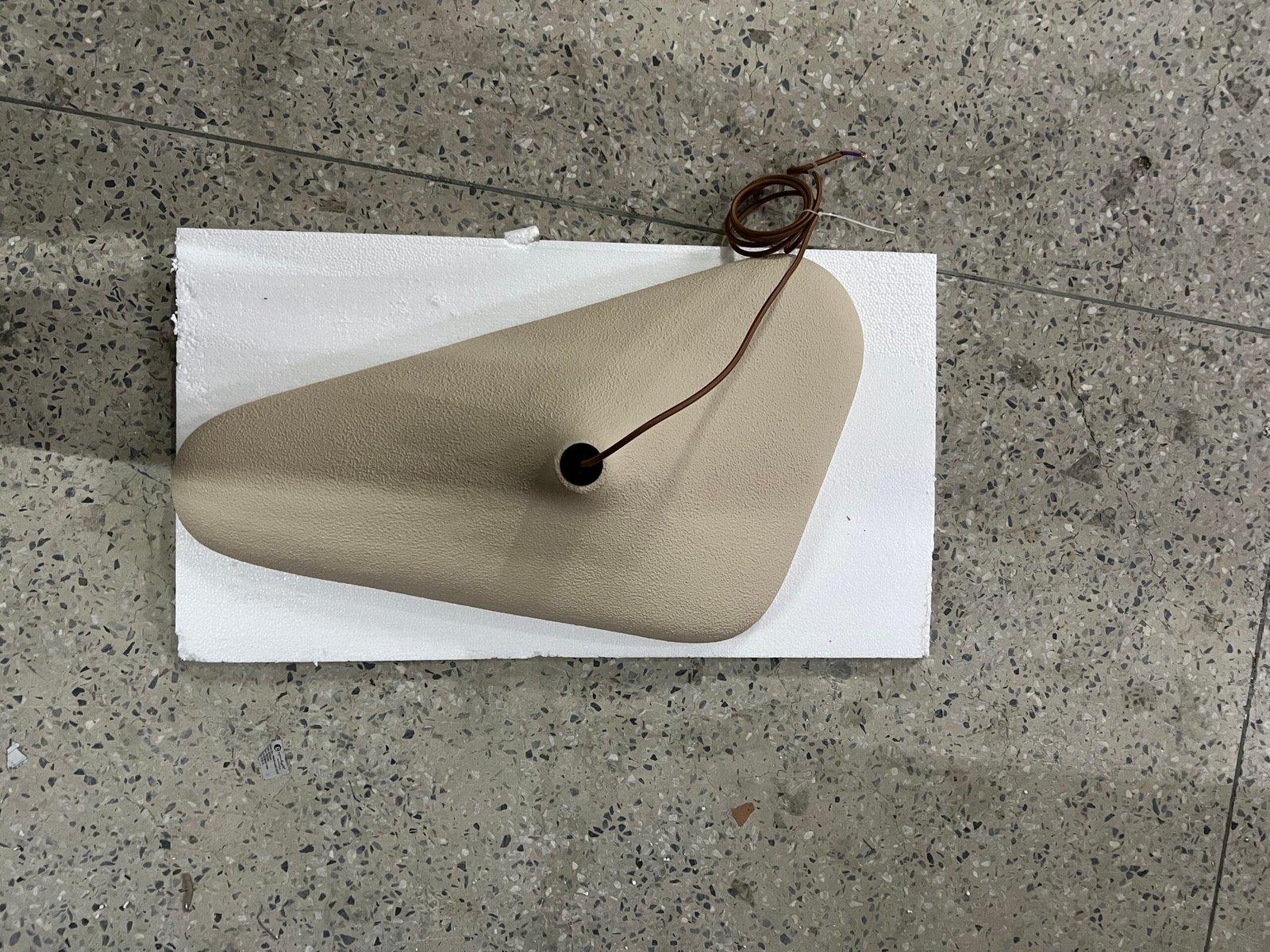
Illustrative Revision Examples
Pendant Size Changes After Sample V1
Illustrative example—not an OBBAO customer project. The finish is approved, but the designer considers the pendant too small and requests a larger diameter. That change may affect the drawing, quotation, BOQ, packing, sample decision, production instruction and QC reference. “Please make it bigger” is not enough.
Cable Length Changes but the Shade Does Not
The shade is approved and the cable changes for a higher ceiling. A complete new shade sample may be unnecessary, but the BOQ, PO, production sheet and QC reference must state the revised cable.
Packaging Changes After the Product Is Approved
The product is approved, then the buyer changes the logo, barcode or carton artwork. This is an artwork revision rather than a product-design revision, but it still needs a controlled approved file.
One Fixture Is Used in Two Hotel Room Types
A standard room and suite use the same shade with different drops. Keep the stable fixture reference and identify the room configuration rather than creating unrelated product names.
Common Custom Lighting Revision-Control Mistakes
- Using Final, Final 2 and Latest Final. Those names do not show sequence or status.
- Approving a major change only in chat. Move the approved instruction into controlled records.
- Updating the drawing but not the BOQ. Procurement may continue to price or order the old size.
- Updating the BOQ but not the PO. The contractual order record may conflict with design intent.
- Changing a sample without updating QC. Inspection may use the wrong target.
- Keeping multiple samples without labels. Clearly identify the approved production reference.
- Forgetting cable or canopy changes. These visible configuration details require explicit records.
- Creating a new SKU for every small variation. Separate configuration from true product revision.
- Treating a structural change as a minor note. Review feasibility and whether new evidence is needed.
- Starting with critical TBC fields. Resolve or explicitly define them before freeze.
- Ignoring late-change impact. Review material, schedule, commercial and QC consequences.
- Using superseded artwork. Packaging files need independent version status.
- Saying “same as last order.” Identify the actual fixture code, revision and configuration.
What to Exchange When Requesting a Revision
A buyer’s request should identify the project and fixture code, supplier model, current revision, changed item, old and new requirement, reference image or swatch, quantity, production status, approval route and schedule sensitivity. A supplier may respond with a revised drawing or specification, sample proposal, updated quotation where required, schedule impact, new revision reference, production-impact note and packaging impact.
Custom Lighting Revision Control Checklist
- Stable fixture code
- Supplier model mapped
- Current drawing revision identified
- Current specification identified
- Current sample version identified
- Finish reference identified
- Cable and canopy confirmed
- Electrical version confirmed
- BOQ updated
- Quotation updated where required
- PO / PI updated where required
- Packaging revision confirmed
- Artwork revision confirmed where applicable
- Superseded documents marked
- Superseded samples identified
- Production freeze completed
- QC has current revision
- Late changes logged
- Approved production reference retained
Custom Lighting Revision Control Sheet
Project:
Fixture Code:
Supplier Model:
Current Product Revision:
Status:
Drawing Revision:
Specification Revision:
Sample Version:
Finish Reference:
BOQ Revision:
Quotation Reference:
PO / PI Reference:
Size / Material / Finish:
Cable / Canopy:
Electrical:
Packaging Revision:
Artwork Revision:
Latest Approved Change:
Approved By:
Production Freeze:
QC Reference:
Superseded Versions:
Notes:
Frequently Asked Questions
What is revision control in a custom lighting project?
It identifies which sample, drawing, specification and order information is currently approved so design, procurement, production and QC work from the same configuration.
Should every custom lighting change receive a new revision?
Not every conversation requires a new product version, but a change affecting the approved product, production instruction, commercial scope or inspection reference should be recorded clearly.
Do I need a new sample after changing a custom light?
It depends on the change. Structural, material, finish or major size changes may justify another sample, while simpler configuration changes may be confirmed through updated drawings, specifications or component references.
Can WhatsApp or email approval be used for bulk production?
Messages are useful evidence, but important approved changes should be transferred into controlled records so production is not dependent on isolated messages.
What if the BOQ and approved sample show different specifications?
Resolve the conflict before production, identify the final approved requirement and update the affected records rather than asking the manufacturer to choose.
Why does QC need the final revision number?
QC must know which approved configuration the order should match. An obsolete drawing or sample can cause an incorrect acceptance or rejection.
One Approved Revision Should Drive the Bulk Order
Custom lighting revisions are normal. Conflicting revisions create avoidable production risk. Send OBBAO the fixture code, current model, latest drawing, requested change, finish reference, cable and canopy requirement, electrical market, quantity and production status to review which records may need updating before the revised fixture moves into bulk production.
A final approved revision should also flow into the project closeout record. The lighting project handover checklist explains which final fixture information should remain available after delivery.